Skip to content
View in the app

A better way to browse. Learn more.

PDS Geosciences Node Community

A full-screen app on your home screen with push notifications, badges and more.

To install this app on iOS and iPadOS
  1. Tap the Share icon in Safari
  2. Scroll the menu and tap Add to Home Screen.
  3. Tap Add in the top-right corner.
To install this app on Android
  1. Tap the 3-dot menu (⋮) in the top-right corner of the browser.
  2. Tap Add to Home screen or Install app.
  3. Confirm by tapping Install.

zhang

Members
  • Joined

  • Last visited

  1. zhang posted a topic in For data users
    Hello, I'm wondering where I can find the reference about the Data Filtering CIRRUS algorithm. And do the TRR3 CRISM data need to be denoised again by the CIRRUS algorithm?As far as I know,the TTR3 data have been filtered by the Ratio Shift Correction and Iterative Kernel Filter algorithms. Looking forward to your reply. Thank you.
  2. zhang replied to zhang's topic in For data users
    I got it. Thank you very much for your reply!
  3. zhang replied to zhang's topic in For data users
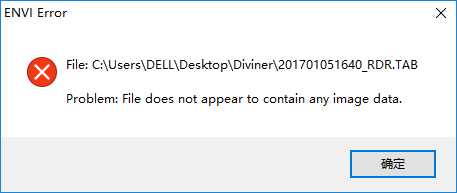
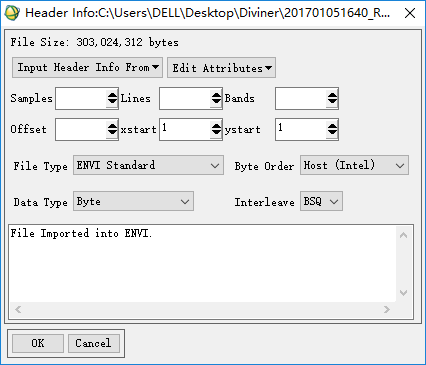
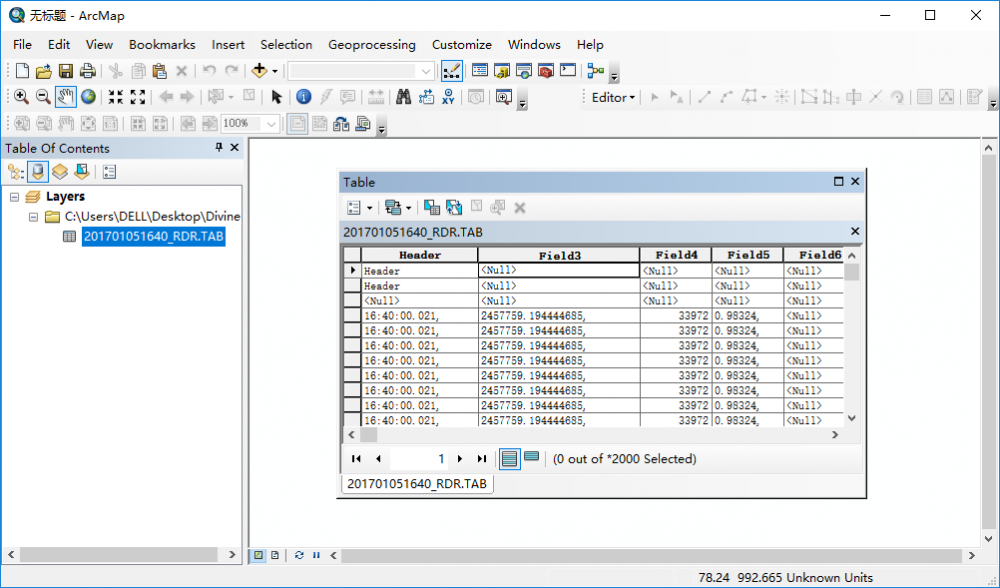
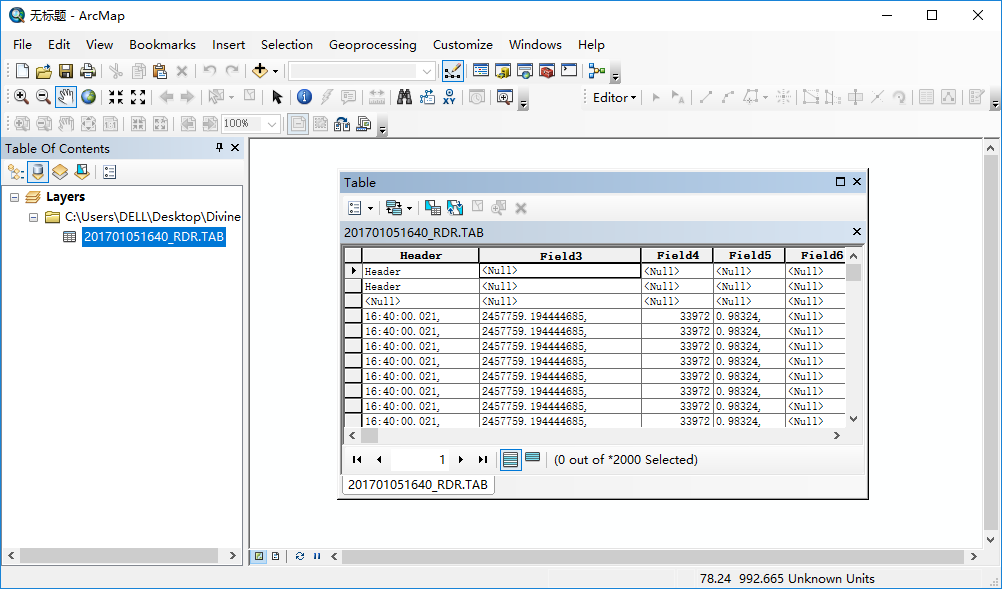
    Thank you very much for your reply. These is Diviner RDR data Then I try to open it in ENVI Besides I also open it in ArcGIS,but it shows like this.I'm not sure it's right. what tools should I use to mosaic and process the Diviner RDR data? Thanks!

  4. zhang posted a topic in For data users
    Hello, I had downloaded the LRO diviner RDR products,but filed to open these by ENVI. what tools should I use to mosaic the data. thanks.
Account

Navigation

Search

Search

Configure browser push notifications

Chrome (Android)
  1. Tap the lock icon next to the address bar.
  2. Tap Permissions → Notifications.
  3. Adjust your preference.
Chrome (Desktop)
  1. Click the padlock icon in the address bar.
  2. Select Site settings.
  3. Find Notifications and adjust your preference.